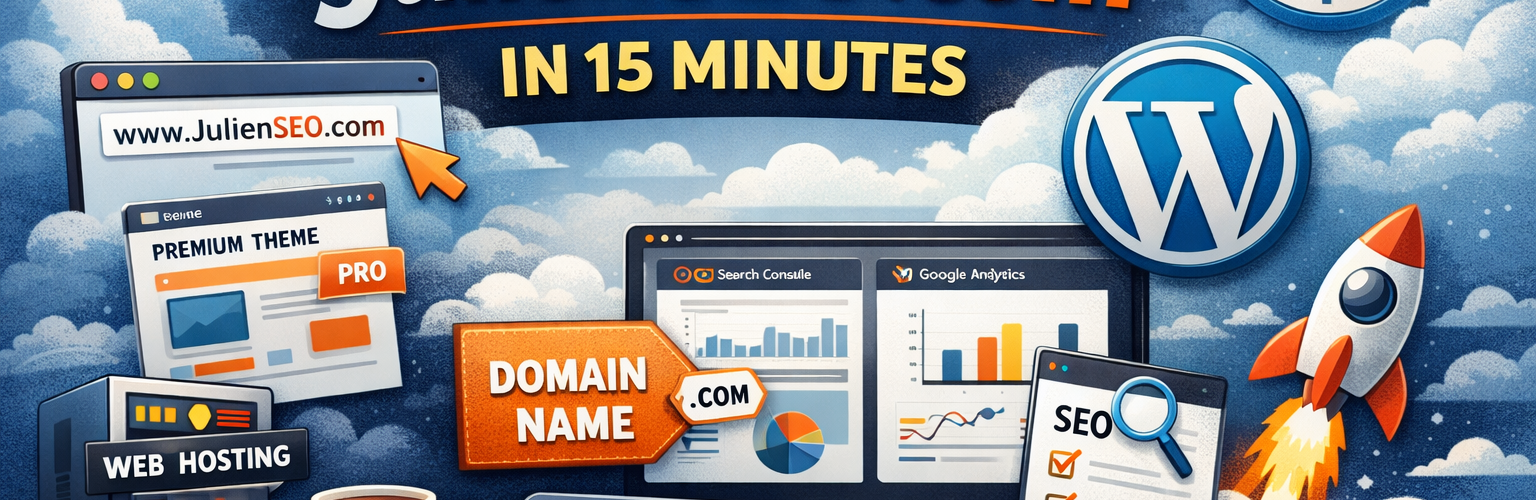
Alright — in this first real article on JulienSEO.com, I’m going to explain how I built this site very quickly (honestly, about fifteen minutes), and which tools and plugins I plan to connect to improve visibility and SEO.
When I work on SEO, I always focus on the same core pillars. First comes site performance, because speed is non-negotiable. Then I work on content quality, followed by link acquisition. And finally, I set up dashboards and tracking, so I can clearly see whether what I built is actually bringing in visitors and traction.
That’s the overall philosophy behind this site.
Step 1: Choosing a Premium Theme
For this website, the first thing I did was purchase a premium theme on ThemeForest. It cost me around $69, which is pretty standard. I deliberately chose a theme that is optimized for speed while still offering a clean design.
Now, to be transparent, I sometimes build my own themes from scratch. But in many cases, using a premium theme is simply faster and more practical.
That said, there is one downside. Many premium themes come with a lot of customization options, page builders, and extra fields everywhere. Personally, I prefer keeping things minimal. Ideally, when I create an article, I only want to fill in the title, the content, and the featured image — nothing more. The lighter the workflow, the better.
Step 2: The CMS — Why I Chose WordPress
The second piece of the puzzle is the content management system. Unsurprisingly, I went with WordPress.
My usual method is simple: I download the open-source version of WordPress and deploy it directly on my server. In my experience, this is the best way to maintain full control over your website from A to Z. It’s flexible, reliable, and honestly very easy once you’ve done it a few times.
Step 3: Hosting
For hosting, I’m currently using o2switch. For a long time, they were extremely competitive on pricing. They have raised prices a bit recently, but the overall quality-to-price ratio is still very solid.
What I like is the ability to run multiple sites with good shared performance. It’s not ultra-high-end dedicated infrastructure, but for most SEO projects, it does the job very well.
On the side, I also provide hosting services through I Master Web when I work with clients. So if you ever need help deploying or hosting your site, that’s something I can assist with.
Step 4: The Domain Name
Next comes the domain name. Some people like to hunt for expired domains with existing authority. Personally, most of the time, I prefer registering a fresh domain.
For this project, I registered the domain through Gandi, a registrar I’ve been using for years. They’re reliable, the interface is clean, and it simply works. Expect to pay roughly €12 to €15 per year for a standard .com domain.
Once your domain and hosting are ready, you just need to point the DNS to your host. After that, everything starts to come together quickly.
Deploying WordPress (The Fast Way)
At this stage, you actually don’t even need to manually download WordPress in many cases. Most hosting providers now offer one-click WordPress installation.
You select WordPress, fill in a few database details, click deploy… and that’s basically it. Within minutes, your site is live.
From there, the core setup is simple: theme installed, WordPress running, domain connected. You already have the essential foundation of your website online.
What Comes Next: SEO and Tracking
Once the site is live, the real work begins. I usually install a few key plugins to improve SEO and add missing functionality. Then I connect the site to Google Search Console, Google Analytics, and sometimes Bing Webmaster Tools as well.
You can use plugins to automate these connections, but honestly, I often prefer doing it manually. It’s usually faster and gives you cleaner control.
Why Having Your Own Website Still Matters
One important point I always repeat: don’t rely only on social media. Having just a Facebook page, a Twitter/X account, or any social profile is not enough.
Your website is your home base. It’s where you control the content, the data, the lead capture, and the long-term strategy. Social platforms can change the rules anytime — your website is the one asset you truly own.
From there, you already have a working online presence that can support all your future content and social media efforts.
In a future article, I’ll walk through my exact WordPress configuration and the plugins I actually use.
See you soon on JulienSEO.com. 🚀

